

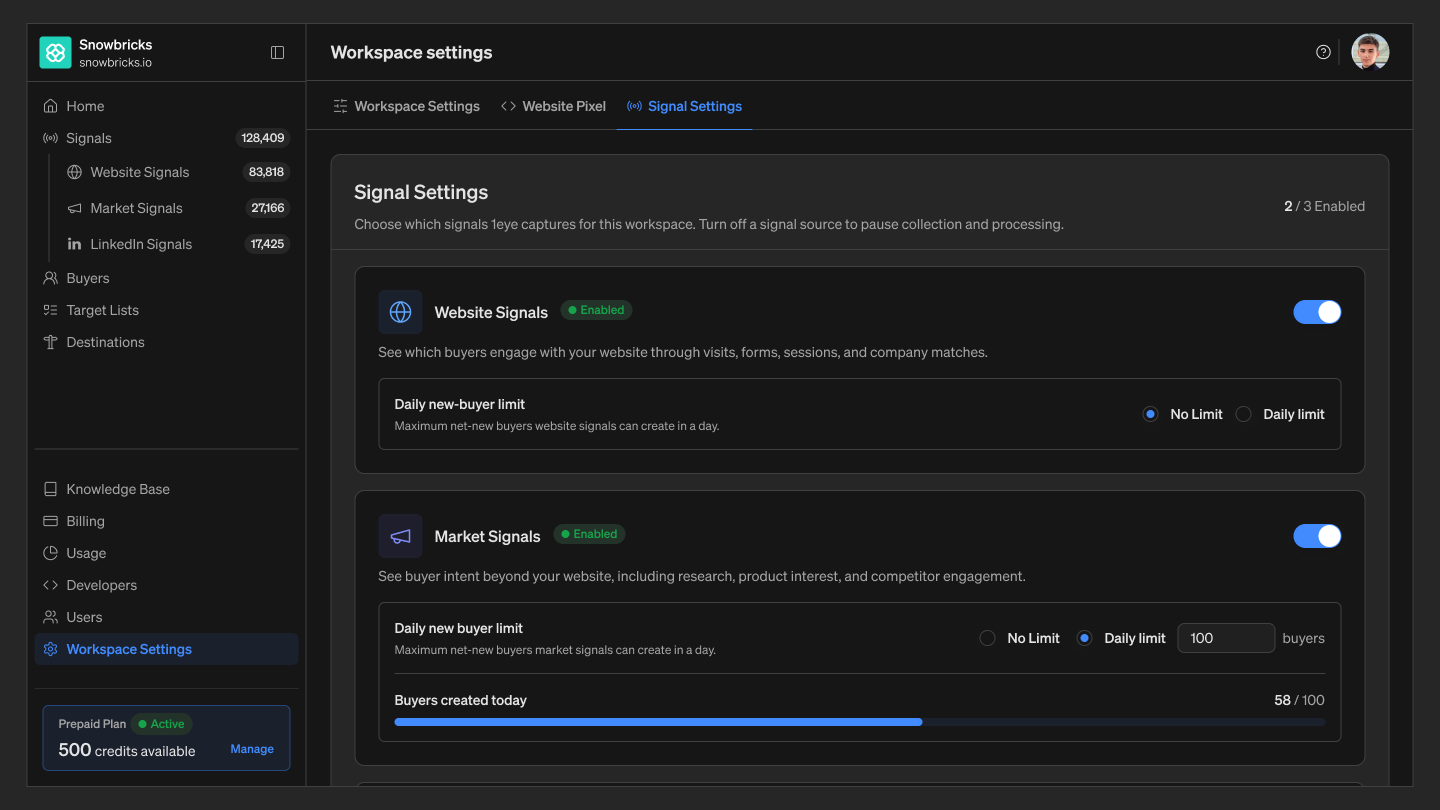
Signal sources
Each source can be turned on or off independently. Turning one off pauses collection and processing for that source going forward — it doesn’t delete signals already captured.- Website Signals — buyer intent captured from activity on your website: page visits, form fills, and content engagement.
- Market Signals — buyer intent captured from outside your website: research activity, product interest, and competitor evaluation.
- LinkedIn Signals — buyer activity captured from LinkedIn: post engagement, reactions, and page follows.
Daily new-buyer limits
For each active source, choose how many new buyers it’s allowed to create in a given day:- No limit — the source creates a new buyer every time it finds one, with no daily cap.
- Daily limit — set a maximum number of new buyers the source can create each day. A usage bar next to the source shows progress toward the cap (for example, 0 / 100 buyers today), and resets at the start of each day.