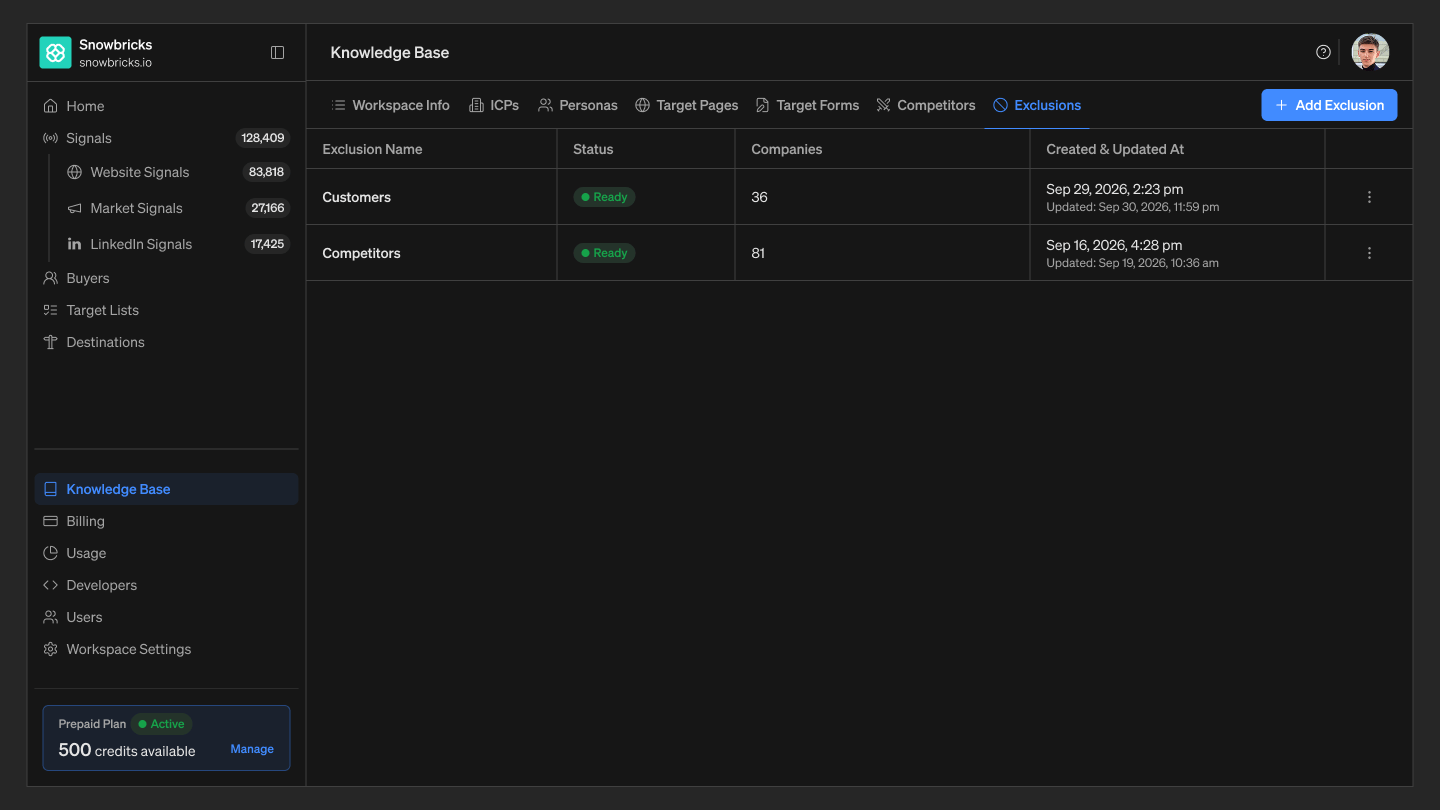
Exclusions keep specific companies and domains out of 1eyeAI’s evaluation and outreach entirely — for example, existing customers or existing partners who shouldn’t be treated as new-business targets. Add or edit Exclusions so 1eyeAI skips these accounts. For Snowbricks, examples could include:

Where to find Exclusions

  1. Open your 1eyeAI workspace
  2. Select Knowledge Base from the left-hand nav
  3. Select the Exclusions tab

Best practices

  • Keep exclusion lists current — Remove a company once it’s no longer a customer or partner, or it will keep being skipped.

Next step

See ICPs to review who 1eyeAI should be targeting instead.