

Before you begin
To create a Destination, you need:- Admin or Marketer access to your 1eyeAI workspace
- At least one Target List created (contacts or companies can be added later)
- Access to the account you’re connecting — see that destination’s own page for its specific requirements
Where to find Destinations
- Open your 1eyeAI workspace
- Select Destinations in the left-hand nav
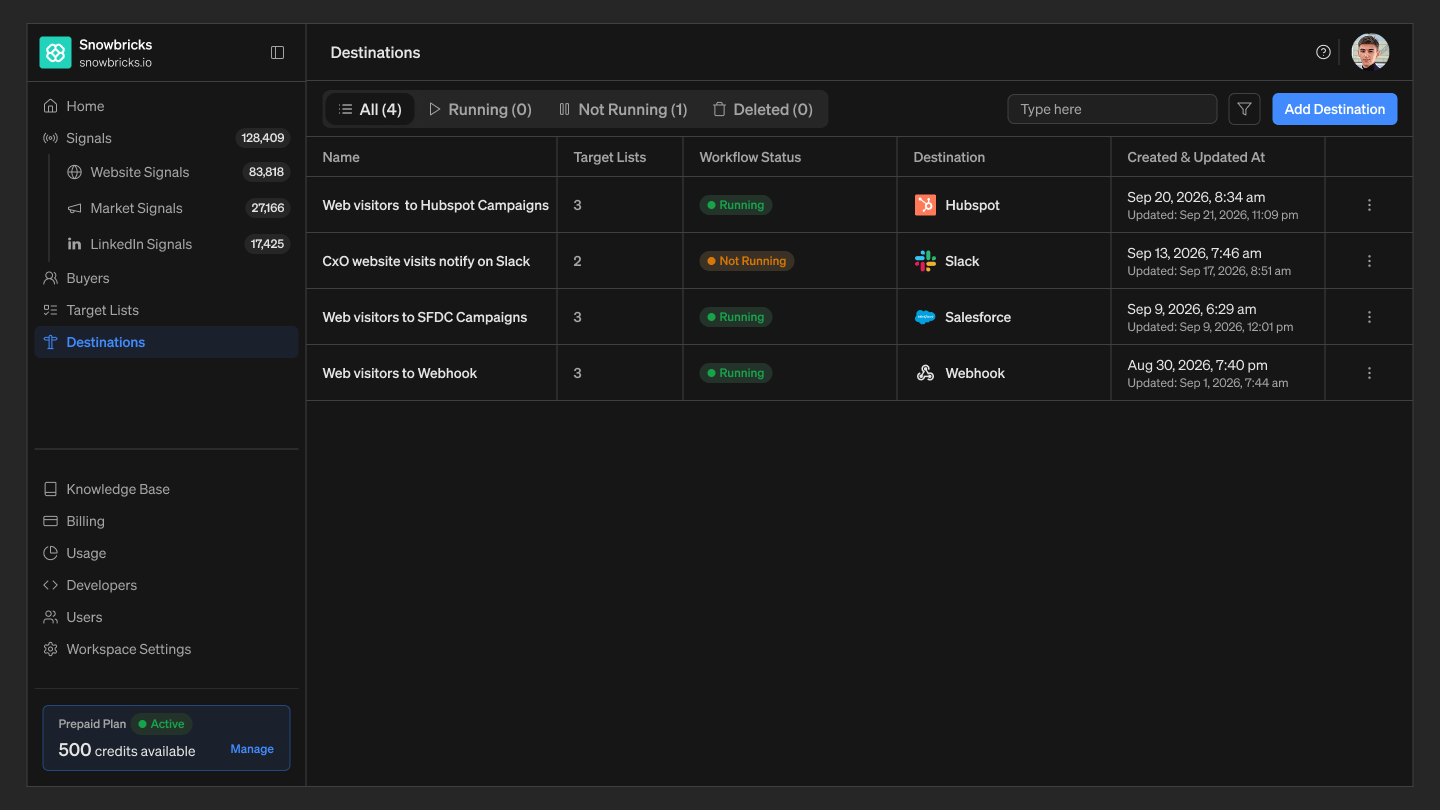
The Destinations list
Filterable by:
Each row shows: Workflow name, Status, Created at, Updated at, Destination icon, Actions menu (⋮)