

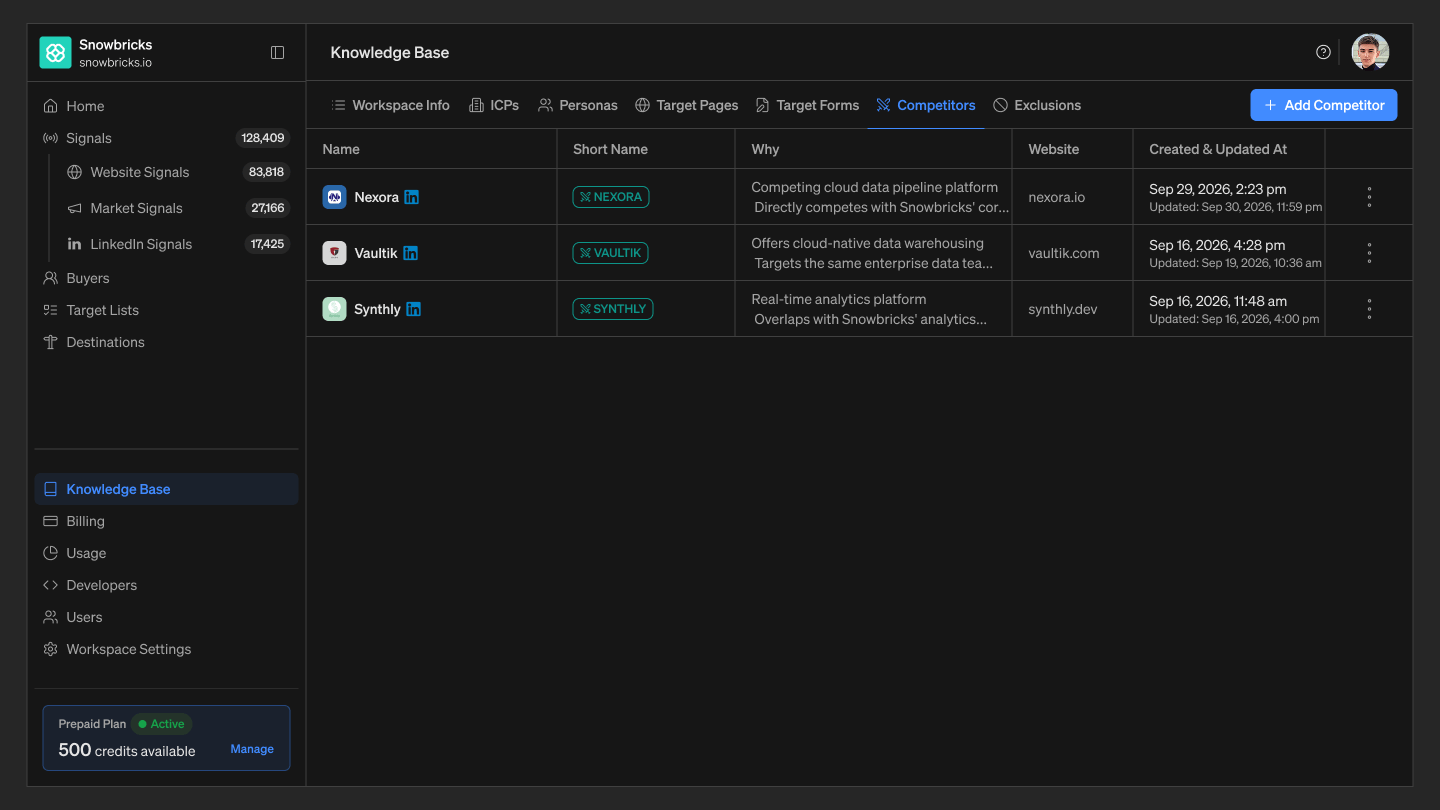
Each competitor’s name is shown with its company logo and LinkedIn icon — the same enrichment 1eye applies to company names throughout the platform.
Competitors and Market Signals
Every competitor you add here powers the Competitor trigger in Market Signals. When a buyer researches or engages with one of your tracked competitors, 1eye surfaces it on their profile and timeline as evaluated — for example, “Robert Krohn evaluated Greptile.” See Market Signals to see these signals alongside Research and Product activity.Where to find Competitors
- Open your 1eye workspace
- Select Knowledge Base from the left-hand nav
- Select the Competitors tab
Best practices
- Track your real competitive set — Add the brands your buyers actually compare you to, not every company in your space.
- Write a clear “Why” — A short, specific reason helps your team understand each competitor’s relevance at a glance.
- Keep Website accurate — 1eye uses it to match signals to the right competitor.