

Where to find Target Pages
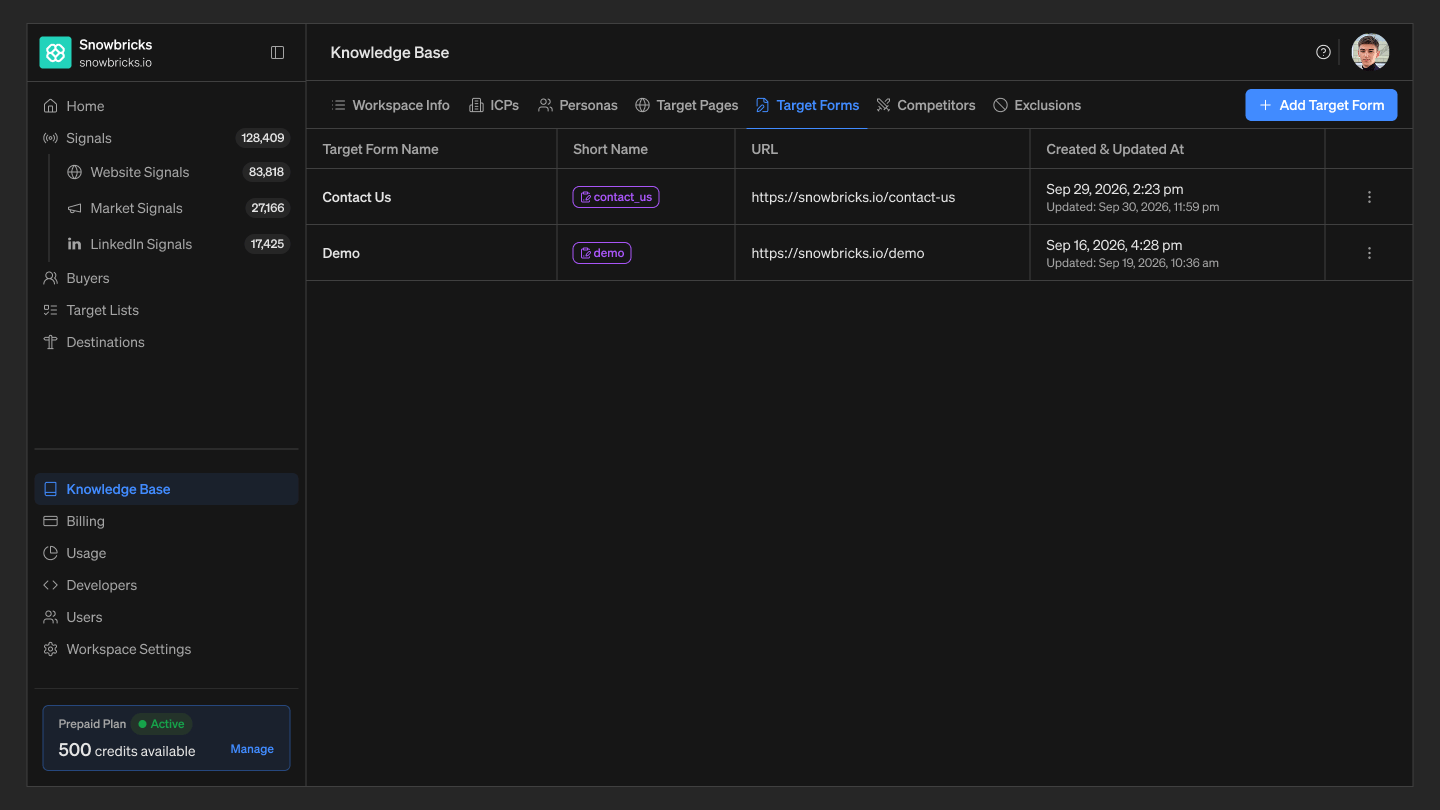
- Open your 1eyeAI workspace
- Select Knowledge Base from the left-hand nav
- Select the Target Pages tab
Best practices
- Add Target Pages that reflect real intent — Pricing, demo, and product pages are usually stronger signals than generic content pages.
Troubleshooting
- A page visit isn’t showing as high-signal — Confirm the page is added under Target Pages, and that the Website pixel is installed and firing on that page.